Use DataStern in Mistral Vibe
- Connection type:
- you add it yourself as a custom connector. It isn't in Vibe's marketplace.
- You need:
- a Mistral account, and a DataStern account with at least one knowledge base connected. In an organisation's workspace, an admin may have to add the connector.
Step 1: Copy the DataStern address.
You paste it into Vibe in step 3: https://www.datastern.eu/mcp
Step 2: Open Connectors in Vibe.
Choose New connector, then Add custom connector.
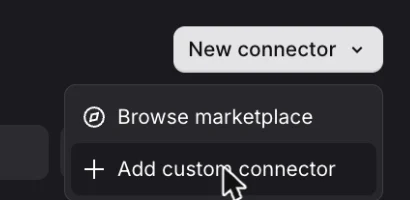
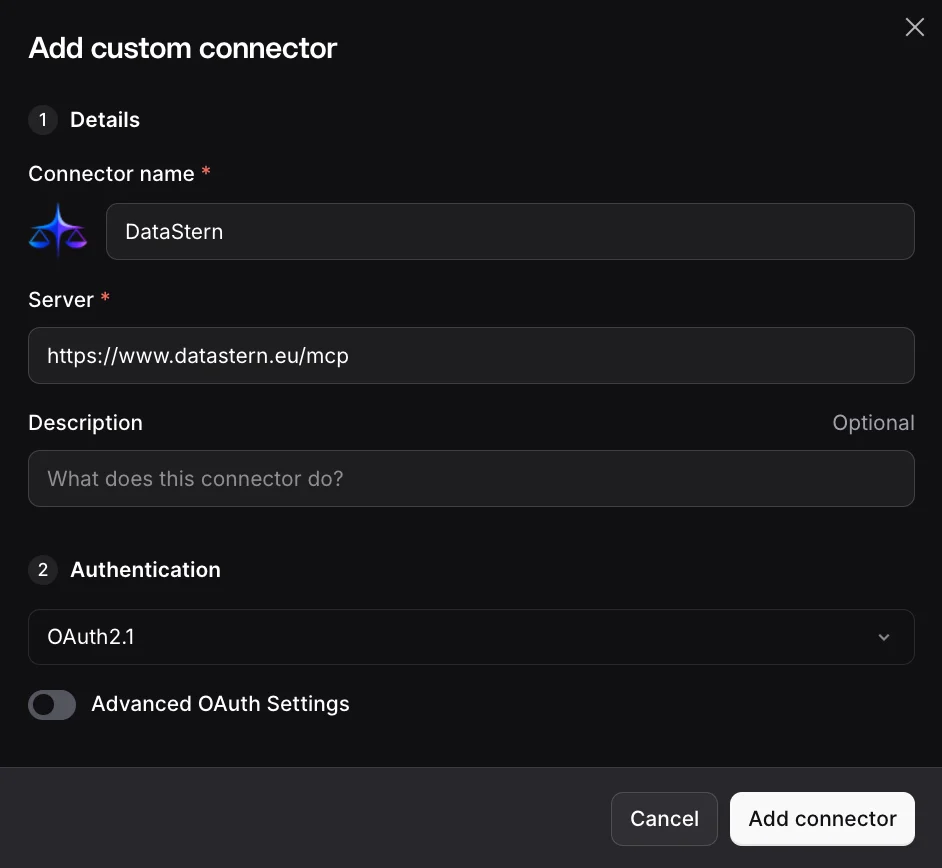
Step 3: Paste the address and add the connector.
Type DataStern as the connector name and paste the address into Server. Vibe sets Authentication to OAuth2.1 by itself; leave Advanced OAuth Settings off. Choose Add connector.
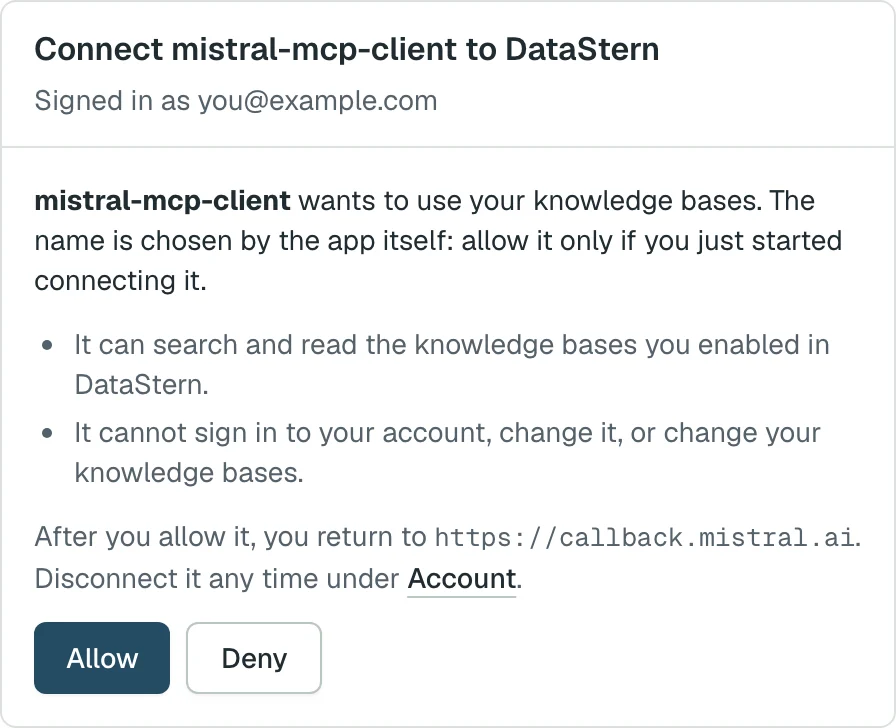
Step 4: Allow it in DataStern.
Your browser opens DataStern. Sign in, or create an account if you don't have one yet, then choose Allow.
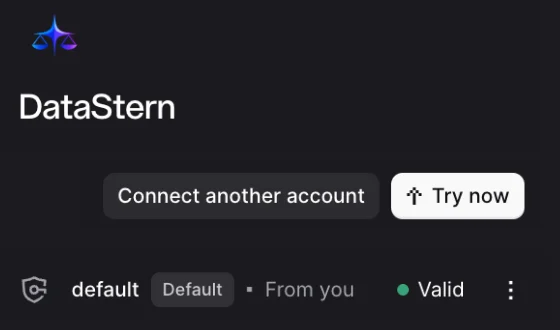
Step 5: Open a chat with DataStern.
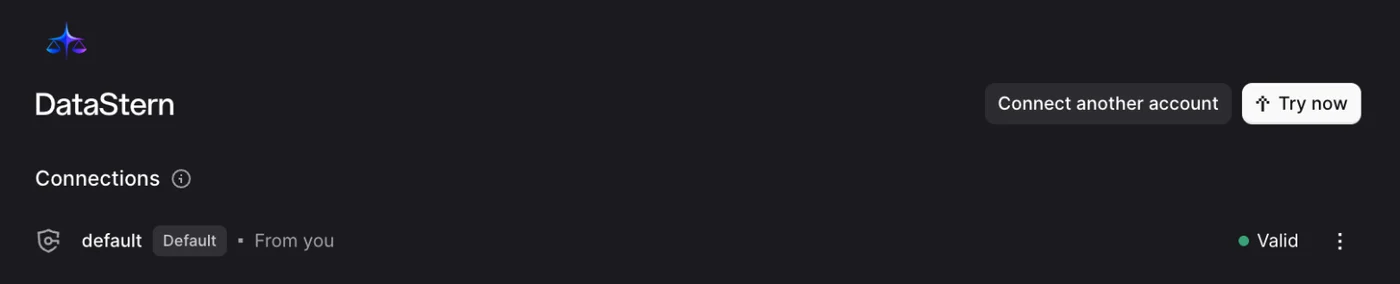
You are back in Vibe and the connection shows Valid. Choose Try now: a new chat opens with DataStern in the message box.
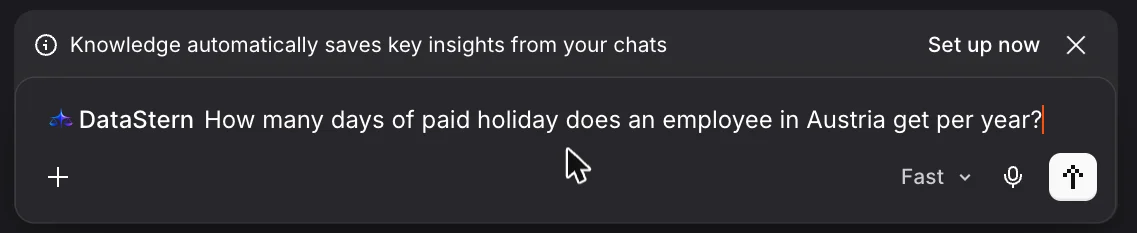
Step 6: Ask your first question.
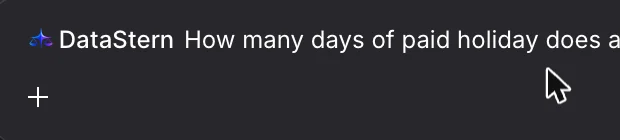
Name DataStern in your question: with a plain question Vibe may search the web instead. In a later chat, turn it on first: + next to the message box, then Connectors, then DataStern.

Mistral Vibe's menus can change. Last checked 15 Nov 2026.
Check the answer against the source
- Find the citation. Ask your assistant to show the act or document, provision, quoted passage and source URL when available.
- Open the original. Follow the source link. Compare the quotation with the official text and read the surrounding provisions.
- Check the date and scope. For legislation, check which version applies to your question. A retrieved passage is not evidence that all relevant rules or amendments were searched.
DataStern supplies reference material, not legal or tax advice. Your assistant can make mistakes even when it cites a source.
If the source is missing or the result does not fit
Ask for the exact provision and relevant date, or narrow the question to one act. If no source link is available, find the cited provision in the official publisher's system. If the requested date or subject is outside the collection, do not treat an empty result or refusal as proof that no rule exists.
Support
Something not working, or a question about DataStern in Mistral Vibe? Write to support@datastern.eu.